



Etisalat Quick Pay: The Fastest, Easiest Way to Pay Your Bills in 2026

Fed Up With Queuing? Etisalat Quick Pay Can Help
Queuing at a service centre to pay your bill is never fun. First of all, you are wasting your precious time and risk missing the deadline to avoid a fine. So, guess what? There’s a way out! Using Etisalat Quick Pay (formerly known as e& Quick Pay after the rebranding in 2022) allows you to make telecom bill payments in less than a minute without queuing and entering your password every time.
Here, you’ll find everything you need to know about using all kinds of Quick Pay channels available to pay your telecom bills quickly and effectively. After finishing reading, you’ll never forget your bills again!
According to UAE Telecommunications and Digital Government Regulatory Authority, the number of digital self-service payments has increased considerably over the past year.
What Is Etisalat Quick Pay and How Does It Work?
Etisalat Quick Pay is an innovative self-service bill payment option that allows you to pay for your telecom bills within 1 minute without signing in to your account on Etisalat’s official website or using an app. In other words, you have to enter your account number or mobile number and go on with a payment. It’s an extremely simple and effective solution that can be used by everyone regardless of your plan type.
By the way, you can still find the term “Etisalat Quick Pay” in search engines instead of “e& Quick Pay”.
Who Can Use Etisalat Quick Pay?
This service can be used by all Etisalat customers in the UAE. In other words, with the help of this service you can:
- A postpaid mobile customer wanting to pay your monthly bill
- A prepaid customer looking to top up your balance
- A home services subscriber (eLife broadband, TV, or landline)
- A business account holder managing company telecom expenses
- A third party paying on behalf of a family member, employee, or friend
5 Ways to Use Etisalat Quick Pay (Online, App, Kiosk & More)
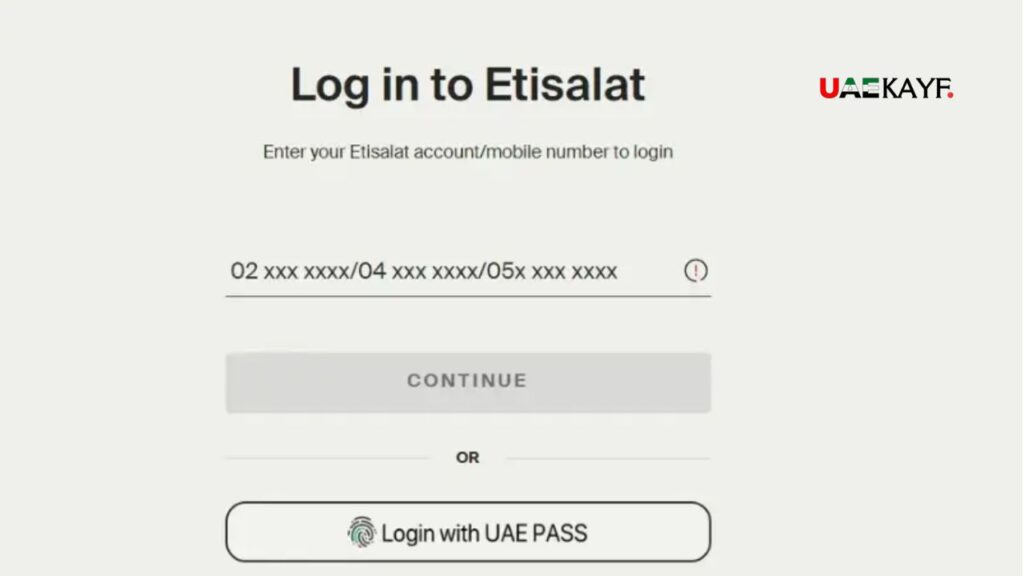
There’s nothing better than using any channel you want to pay a bill quickly. Here, you’ll find five different channels that you can choose from according to your needs.
1. Etisalat Website (my.etisalat.ae)
It’s the most commonly used channel among desktop users. Here’s how to use it:
Launch a browser and input my.etisalat.ae;
- Open your browser and go to my.etisalat.ae
- Look for the “Quick Pay” option on the homepage — it’s prominently displayed and requires no login
- Enter your account number or registered mobile number
- Select the payment amount (for postpaid) or enter a top-up value (for prepaid)
- Choose your payment method and enter your card details
- Review the summary and click “Pay Now”
- Save or screenshot your confirmation reference number
It’s fully compatible with mobile devices.
2. My Etisalat App (iOS & Android)
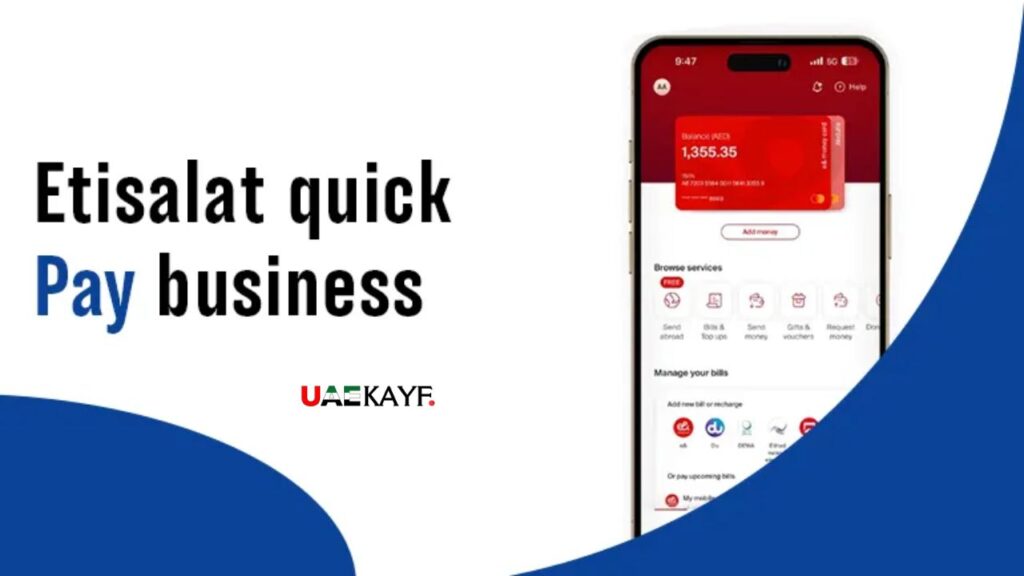
If you prefer apps instead of browsers, then My Etisalat App is the best choice. This app can be downloaded on iOS/Android devices from the respective stores. Also, you can authenticate yourself using your fingerprint (face ID) instead of passwords. By the way, even if you have no registered account with Etisalat, you can use this option in “guest” mode on the homepage. You just have to enter your card details and finish the transaction.
3. Self-Service Kiosks
There’s also the option of paying for bills using Quick Pay through self-service kiosks. These kiosks are located across the UAE in all service centers, major shopping malls, etc. In self-service kiosks, you can use both cash and card.
4. IVR / Phone Payment (Dial 101)
If all above-mentioned options seem too complicated for you, you can pay using the phone. You have to call 101 (Etisalat) from any phone in the UAE. The system will guide you through all the steps needed for completing the transaction. Please note that you’ll have to enter your card details. Paying cash is impossible using this option.
5. Third-Party Apps (Noqodi, Apple Pay, Google Pay)
You can also pay using third-party platforms integrated with Etisalat Quick Pay. They include:
- Noqodi — UAE’s digital wallet platform
- Apple Pay — available through the My Etisalat App checkout
- Google Pay — supported on Android via the app and website
These solutions are recommended if you have only one app where all your financial operations are managed.
How to Pay Your Etisalat Bill with Quick Pay: Step-by-Step
Let’s move to the next step and describe how Etisalat’s Quick Pay works in detail.
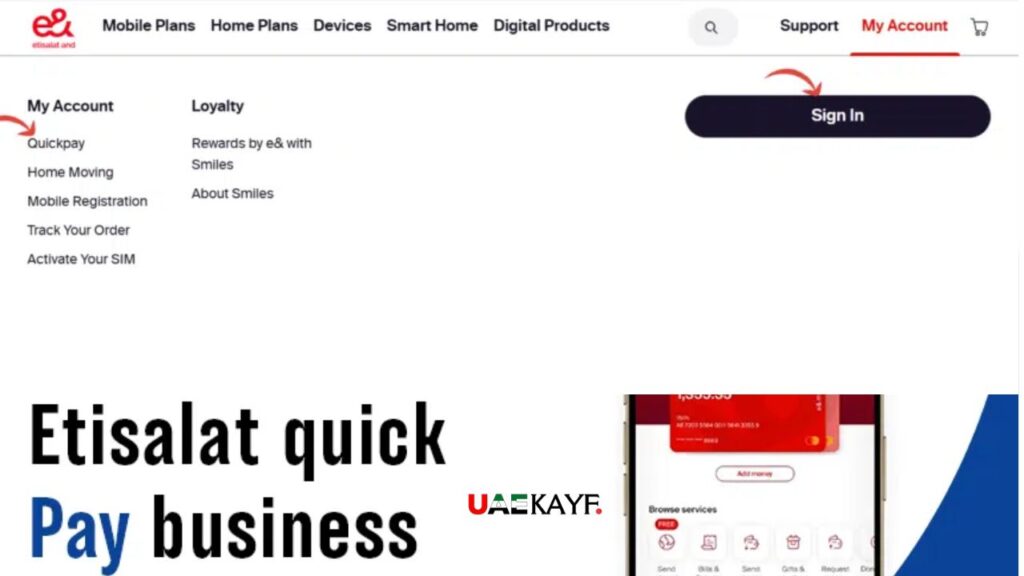
Step 1: launch your web browser and open my.etisalat.ae;
Step 2: scroll the homepage down and click on “Quick Pay” (there’s no need to log in);
Step 3: input your account number or mobile number in the relevant field;
Step 4: click “confirm” to verify the account name;
Step 5: choose the bill amount if you are going to pay the bill or input how much you would like to add to the prepaid account;
Step 6: select a payment option from this list: credit card, debit card, Apple pay and Google pay.
Step 7: enter your card details to verify the transaction using 3D Secure protocol. Once it’s done, you will receive an OTP on your bank-registered phone. Click “pay now” to complete your transaction.
Here are the pro tips for using Etisalat Quick Pay service. You can pay someone else’s telecom bill as well. For that, you just need their account number.
Accepted Payment Methods for Etisalat Quick Pay
Let’s talk about various payment options that can be used with Etisalat’s Quick Pay.
| Payment Method | Online | App | Kiosk | IVR |
|---|---|---|---|---|
| Visa / Mastercard (credit) | ✅ | ✅ | ✅ | ✅ |
| Debit card | ✅ | ✅ | ✅ | ✅ |
| Apple Pay | ✅ | ✅ | ❌ | ❌ |
| Google Pay | ✅ | ✅ | ❌ | ❌ |
| Noqodi Wallet | ✅ | ✅ | ❌ | ❌ |
| Cash | ❌ | ❌ | ✅ | ❌ |
Any extra service fee? No, there’s generally no extra service fee charged by Quick Pay. However, when using third-party payment apps, some fees may be applied. It’s better to check with your bank before paying a bill.
Is it safe? 100% safe because Etisalat Quick Pay applies SSL and 3D Secure protocols for each transaction.
Etisalat Quick Pay Not Working? Fix These Common Issues Fast

Sometimes there might be issues that will prevent you from paying your telecom bill. Here are some suggestions on how to fix the problems.
- Incorrect card details — double-check the card number, expiry date, and CVV
- 3D Secure OTP not received — ensure your bank has your correct phone number on file, or try requesting the OTP again
- Card transaction limit reached — some banks cap online transactions; contact your bank to raise the limit temporarily
- Insufficient funds — check your account balance if you’re using a debit card
- Browser or app cache issue — try clearing your cache or switching to a different browser
Payment Successful But Services Not Restored
It sometimes happens that your services were suspended despite a successful payment. It’s possible to resolve the problem with these tips:
- Wait up to 2 hours for your services to be restored automatically
- If services are still suspended after 2 hours, call 101 or contact Etisalat customer support via the app’s live chat
- Have your payment reference number ready — this is the fastest way for the support agent to locate and verify your transaction
Can’t Find Your Account Number
The following ways might help to find an account number:
- The top section of your monthly bill (PDF or printed)
- The My Etisalat App under the “My Account” or “Profile” section
- Your original welcome SMS or email from Etisalat when you first signed up
Contact the customer service using 101 and ask for assistance.
Pro Tips to Get the Most Out of Etisalat Quick Pay
Now, let’s discuss some suggestions that will allow you to make payments easier.
Set Up an Auto-Pay in My Etisalat App
Once it’s done, you’ll stop worrying about missing your telecom bill payment deadlines in the future. Moreover, you’ll save time and energy.
Save Your Account Number to Notes/Contacts
Since Quick Pay requires no authentication, you can save your account number on your phone for future reference.
Check Balance Before Recharge
It will help you to avoid unnecessary top-ups and save money. Balance information is accessible on My Etisalat App’s homepage.
Get Push Notifications When Making Transactions
If you prefer to use My Etisalat app to pay your telecom bills, then turn on push notifications to keep track of transactions. It might be especially convenient for businesses.
Make Payments Several Days Before the Deadline
If you know that your telecom bill deadline coincides with weekend or public holidays, try to pay it earlier.
Etisalat Quick Pay vs. Other Payment Methods: Which Is Best?
| Method | Speed | Fees | Login Required | Available 24/7 |
|---|---|---|---|---|
| Quick Pay (online/app) | Instant | None (usually) | No | ✅ |
| In-store payment | 15–30 min | None | No | ❌ |
| Auto-debit | Automatic | None | Yes (setup) | ✅ |
| Bank transfer | 1–3 business days | Bank-dependent | Yes | ✅ |
| IVR (101) | Instant | None | No | ✅ |
If you’re still not sure what payment channel to pick, here’s a comparison chart.
Etisalat Quick Pay via the website and app is undoubtedly the most convenient way to pay your telecom bill. However, there might be a couple of exceptions when you’d like to use another payment method.
FAQ About Etisalat Quick Pay Service
Here are some of the most frequently asked questions regarding Quick Pay that you should consider.
Is it possible to pay a bill without logging into your account?
Yes, you’re free to pay the bill as a guest user. You don’t have to sign in to pay via Quick Pay channels.
How long will it take to process a transaction using Quick Pay?
Typically, your transaction will be processed within minutes. There are some peak periods when the time might increase to two hours. Contact the customer support service if nothing has changed in 2 hours.
Are there any extra fees for using Quick Pay online?
There’s no service fee for transactions made using Quick Pay. However, some international bank cards might apply a transaction fee.
My services weren’t recovered after paying successfully. Why?
Relax, it’s completely normal. Remember your payment reference number and wait for up to 2 hours. If it doesn’t happen, contact the customer service department and give them your transaction number.
Is it possible to pay someone else’s bill using Quick Pay?
Yes, you’re able to pay for someone’s telecom bills via Quick Pay.
Never Miss Your Etisalat Telecom Bills Again!
Using Etisalat Quick Pay, it’s easy and quick to pay all your telecom bills via any channels. There are five different ways to do it that we’ve already mentioned in this article.
The key advantages of Etisalat Quick Pay include: no need to log in, the possibility to pay for others, speed and so on. We hope that this article helped you in making your decisions.
Readers Must Love To Read This: FAB Balance Check