



FAB Balance Enquiry: All About Balance Enquiry in First Abu Dhabi Bank (FAB)

You shouldn’t waste time thinking about the amount of money in your account; therefore, a good balance inquiry fab is important for you to know your account balance before renting a flat, transferring money to your family members or buying something. In this article, you will learn about all legitimate ways of balance enquirer fab and some tips on how to be safe during the procedure.
Moreover, you will learn about the ways of overcoming difficulties in balance enquirer, fees for each of the ways of checking your balance and the choice of the channel.
Why Do You Need to Check the Balance Immediately in FAB Balance Enquiry?
You shouldn’t check your balance only for the sake of doing that; instead, you use your balance to make well-thought-out decisions and save yourself from extra fees. For instance, you use your balance to find out whether your salary was transferred to your account. There are a number of ways of checking your balance in FAB, and this article will be helpful for you to know all of them.
What is First Abu Dhabi Bank (FAB Balance Enquiry)? Overview

It is a bank that was founded in 2017 via the merge of National Bank of Abu Dhabi and First Gulf Bank and now is the largest bank in the UAE by assets. With FAB, you will get all benefits of the extensive branch network, advanced digital infrastructure and many services of retail, business and wealth management in the UAE and worldwide.
Overview of All Ways of FAB Balance Enquiry at a Glance
There are seven ways of checking your balance: FAB mobile app, online banking, SMS banking, missed call/IVR phone banking, ATMs, WhatsApp banking and visit to the branch.
Checking Your Balance in FAB Via FAB Mobile App
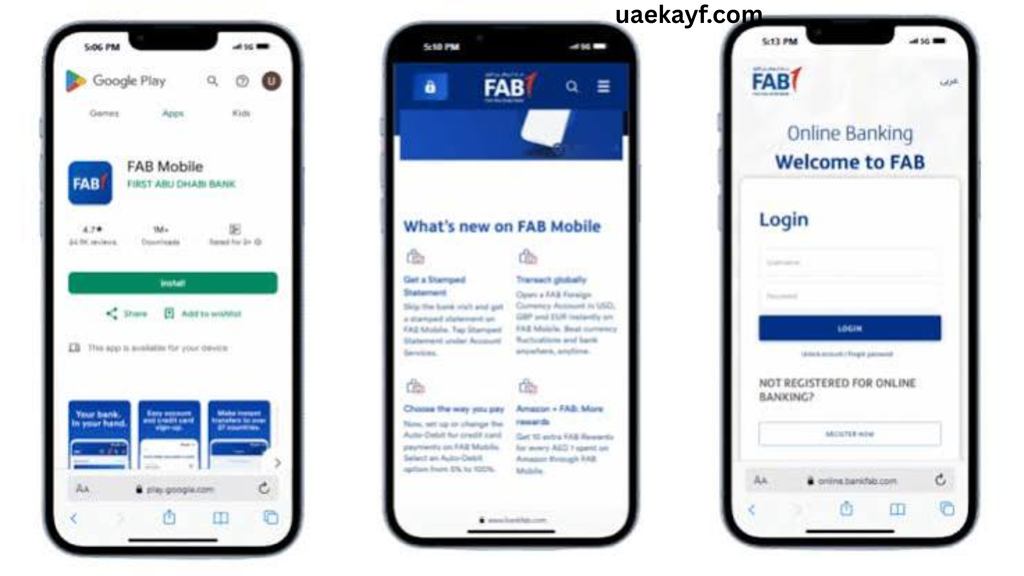
It is the fastest way of performing balance enquirer fab; here you will get your account balance and some other info about your account immediately.
How to Download and Install the App
You will find this app in the Apple App Store and Google Play store. Search for “FAB Mobile Banking”, download and install it; then, register using your Emirates ID, account number or registered mobile number.
How to Login and Get Your Account Balance
Having logged in using your username and password, tap on the “Accounts” tab, and your balance will be displayed immediately.
How to Log In Using Biometrics and How to Add a Widget to Check Balance on Your Home Screen
For convenience, you can configure the app so you could log in using biometrics and add the widget that would allow you to check your balance without opening the app.
Checking Your Balance Via FAB Balance EnquiryOnline Internet Banking
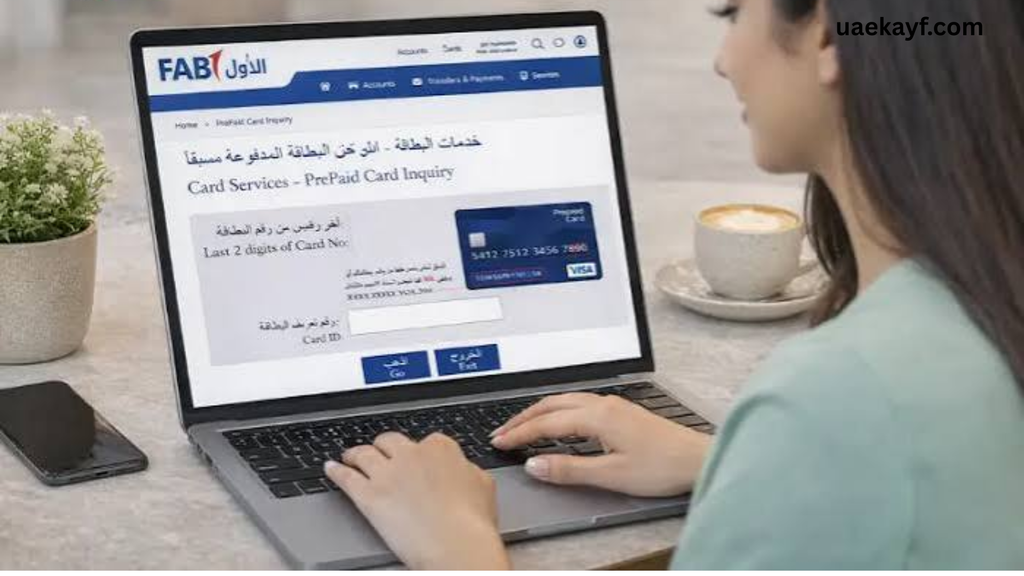
It is the second way of checking your balance in real time; moreover, it will give you your transaction history.
How to Register for FAB Balance EnquiryInternet Banking
You will register for this service via the official FAB website or at any of its branches. After that, you will get your login credentials via SMS or email.
How to Login and Check Your Balance Via Online Portal
You just need to visit the portal, enter your username and password, and your account summary including available and current balance will be loaded in your dashboard.
Checking FAB Balance EnquiryBalance Via SMS Banking
Via SMS banking, you will get balance updates without the internet connection.
How to Activate SMS Banking
You will activate this feature using the app, online banking or visiting any FAB branch and linking your mobile number to your account.
Keywords and Short Code for Enquiring FAB Balance EnquiryBalance
After activating the service, enter the special keyword to the official short code and your balance will be sent to your phone via SMS.
Checking Your FAB Balance EnquiryBalance Via Missed Call/IVR (Phone Banking)
It is the convenient way to check your balance as you will be able to do this using your device hands-free and even while driving.
How to Call the Official FAB Customer Service Phone Banking Line
You will call the official FAB phone banking number that is printed on the back of your card or can be found in the official FAB website. Make sure that you are calling a verified number.
Navigating the FAB Balance EnquiryPhone Banking IVR Menu
Using the IVR menu, you will enter your card or account number and PIN, and your available balance will be read to you or sent via SMS.
Checking Your FAB Balance Via ATM
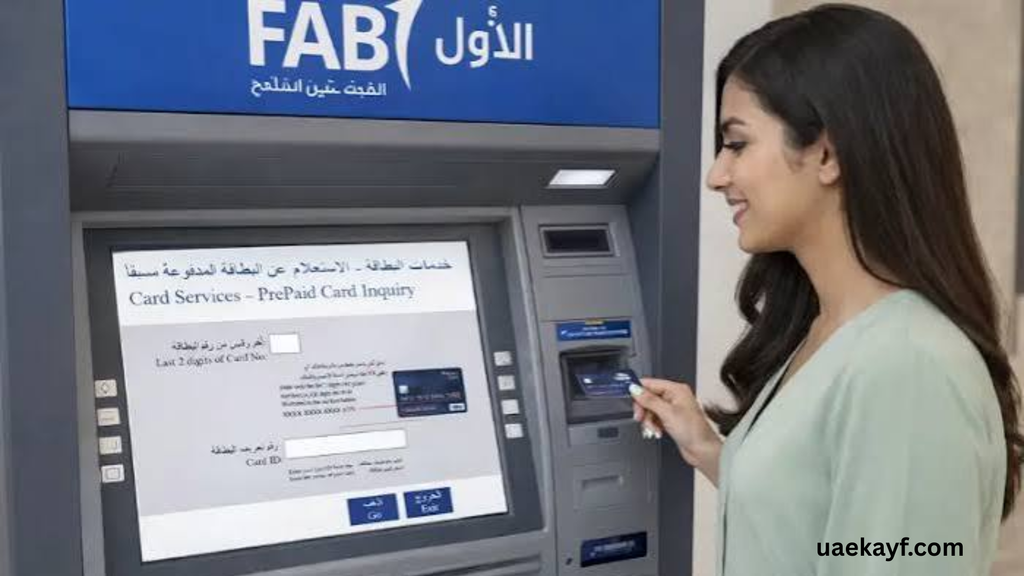
It is the other familiar way to check your balance, especially if you withdraw money.
How to Check Your Balance Using Your FAB Debit/Credit Card at an FAB ATM
All you need to do here is to insert your card into the machine, enter your PIN and choose “Balance Enquiry” from the menu. You will see your balance on the screen and also you can print balance enquirer receipt.
Checking FAB Balance Via Non-FAB ATMs Shared Network
It is another way to check your balance using any ATM of another bank in UAE, but you will have to pay some enquiry fee as the transaction will be performed via the external network.
How to Check Your Balance Via WhatsApp Banking
It is the most convenient way to perform balance enquirer due to its simplicity as most people use WhatsApp daily.
How to Register Your Mobile Number for WhatsApp Banking
You will register for this service using FAB mobile app or website and confirm your mobile number; FAB will link your WhatsApp account to your banking profile.
How to Send Balance Requests via FAB WhatsApp Banking Chatbot
Having registered, you will send message to the official FAB WhatsApp banking number, choose balance enquirer option from the menu, and your balance will be shown in the chat immediately.
Checking Your FAB Balance in the Branch
Sometimes you will prefer the personal approach when performing banking transactions; hence, this way is convenient for you.
Documents That You Should Take and Verification Before Checking Your Balance
You should take your Emirates ID or passport and your FAB card to the branch as the bank employees need to verify your identity before showing any balance.
How to Find Branches and Working Hours of the Branch
You can find the nearest branch and its working hours via the branch locator on FAB website, and at some branches you can find estimated queue time before visiting the branch.
How to Check Your Balance Via UAE Financial Aggregators’ Applications
There are some UAE-wide financial aggregators like Takaful, for instance, that allow you to check your FAB account balance and others if you need to have a consolidated view, but you should use an approved platform.
Real-Time Balance Updates and How to Set Up Balance Alerts
Instead of manual checking your balance each time, you can set up balance alerts via FAB mobile app that will inform you each time your balance will change.
Difference between FAB Balance Enquiry and FAB Mini Statement
The balance enquirer will show you only your available and current balance, while the mini statement will show you your last transactions and balance; therefore, if you need information about the specific transaction, you will use the mini statement.
Fees and Charges Involved in Balance Enquirer Fab
Almost all ways of performing balance enquirer fab such as app, online banking, and WhatsApp banking do not imply any fee, but you may incur small fees for non-FAB ATMs and standard telecom charges for IVR/SMS services.
How to Be Safe While Checking Your Balance
As your balance involves some private financial information, you need to use the highest security standards while using each channel of performing balance enquirer just as in fund transfers.
How to Protect Your PIN, OTP and Login Credentials
You shouldn’t share your PIN, password or one-time passcode with anyone including someone who represents FAB as the bank employees never ask for them via the phone.
How to Recognize Scam and Fraudulent Balance Enquiry Requests
You should be alert against unsolicited messages from scammers who try to trick you to click links to “verify your balance”; navigate to the official FAB app or website instead.
Common Errors in Balance Enquiry and How to Solve Them
In case if the channel doesn’t work, you can solve some of these errors without contacting customer support.
How to Solve Login Errors and How to Fix Them
You should make sure that the app is updated to its latest version, confirm that you have an internet connection, and reset your password using “Forgot Password” link.
SMS/IVR Not Responding
You should make sure that the SIM in your phone matches the registered mobile number; because SMS and IVR banking recognize only this number.
Balance Enquiry in FAB for Different Types of FAB Accounts
You can use all balance enquiring channels mentioned above for both savings and current accounts and credit card account; in this case, you will see your outstanding amount and remaining credit limit in the app or online banking dashboard.
Balance Enquiry in FAB for NRI and Expat Customers
You can check your FAB balance if you are banked with FAB as NRI or expatriate via the app, online banking or international phone banking lines, but you will incur international call charges for phone banking.
Comparison of FAB Balance Enquirer Channels with Other UAE Banks (ADCB, ENBD, ADIB)
Most of major UAE banks including ADCB, Emirates NBD and ADIB offer the similar balance enquiring channels such as app, SMS, IVR and ATMs; however, FAB offers additional WhatsApp banking and extensive ATM network.
Advice on What Channel to Use Depending on Your Lifestyle
If you travel frequently, you will use the app or WhatsApp banking, but if you need transaction history to manage your household budget, you will use online banking; and if you don’t have the internet connection, SMS and IVR become handy.
Contact Information of FAB Customer Support for Balance Enquiries
Whenever you face difficulties that cannot be solved on your own, you can contact FAB customer support via the number printed on the back of your card or the official FAB website’s contact page or even in-app chat support.
Conclusion: How to Check Your FAB Balance Quickly
This article has helped you to learn all legitimate ways to perform a balance enquirer fab and ways of overcoming difficulties with some useful tips on how to be safe. Choose the best channel according to your situation.
FAQ
What is FAB balance enquirer number?
The official FAB phone banking number is printed on the back of your debit or credit card and also on the official FAB website’s contact page.
Is there a charge for SMS or missed call balance enquirer?
No, there is no charge for SMS or IVR balance enquirer in FAB except some standard mobile charges from your telecom company depending on your plan.
How Can You Check Your FAB Balance Without Internet Connection?
Yes, you can perform a balance enquirer without the internet connection via SMS banking, IVR phone banking and ATM balance enquirer channels.
How Do You Register for FAB WhatsApp Banking?
You will register via the app or website confirming your mobile number; then, you will send message to the official FAB WhatsApp banking number.
How Do You React If Your FAB Balance Enquiry SMS Doesn’t Work?
You will check whether the SIM in your phone matches the registered mobile number, and whether you are entering the correct keyword to the official short code.
How Can You Check Someone Else’s FAB Balance On Their Behalf?
Unfortunately, you can’t do it as FAB discloses balance information only to the verified account holder or an authorized signatory who verifies his/her identity.
Is it Safe To Check Your FAB Balance Via Online Banking?
Yes, it is a very safe method as FAB online banking has secure connections and multi-factor authentication provided that you keep your credentials safe.
How Often Is The Balance Updated On the FAB App?
The FAB app reflects your balance in real time, so any deposit, withdrawal, or transfer updates almost immediately after the transaction processes.
Read Also:Ratibi Card Salary Check